Calling a FastAPI Text Reverser from a Copilot Studio Workflow

Copilot Studio can call any public REST API from a topic. This post builds a small workflow that takes text from the user, sends it to a FastAPI service, and returns the reversed text.
Example: the user types one, and the agent replies eno.
The API
The FastAPI service is already deployed on Vercel. It has one endpoint, GET /reverse, which takes the text in an input query parameter.
curl -X 'GET' \
  'https://simple-reverser-api.vercel.app/reverse?input=one' \
  -H 'accept: */*'
Response:
{
  "input": "one",
  "output": "eno"
}
The workflow only needs the output field.
The Workflow
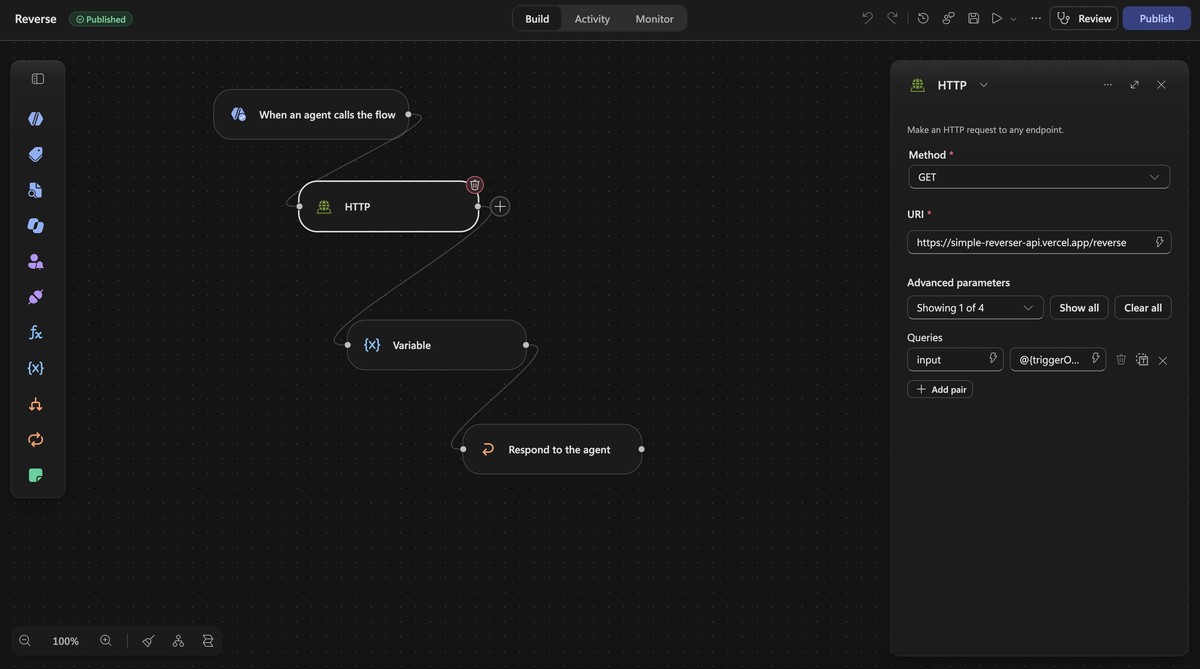
The topic has four steps:
- Ask the user for the text.
- Call the API with an HTTP request node.
- Read
outputfrom the JSON response. - Send
outputback to the user.
Step 1: Ask a question
Add a Question node and set the prompt to something like "What text should I reverse?". Save the answer to a variable, for example Topic.UserText, using the Entire response identity.
Step 2: Call the API
Add a Send HTTP request node (under Advanced) and configure it:
| Setting | Value |
|---|---|
| URL | "https://simple-reverser-api.vercel.app/reverse?input=" & EncodeUrl(Topic.UserText) |
| Method | GET |
| Header | accept: */* |
| Response data type | From sample data (paste the JSON above) |
| Save response as | Topic.ReverseResponse |
EncodeUrl matters. Without it, a user message containing spaces, &, or # produces a broken or wrong query string.
Step 3: Use the result
Because the response type comes from the sample JSON, Copilot Studio generates the fields for you. The reversed text is available as Topic.ReverseResponse.output.
Step 4: Reply
Add a Send a message node:
Reversed text: {Topic.ReverseResponse.output}
Testing
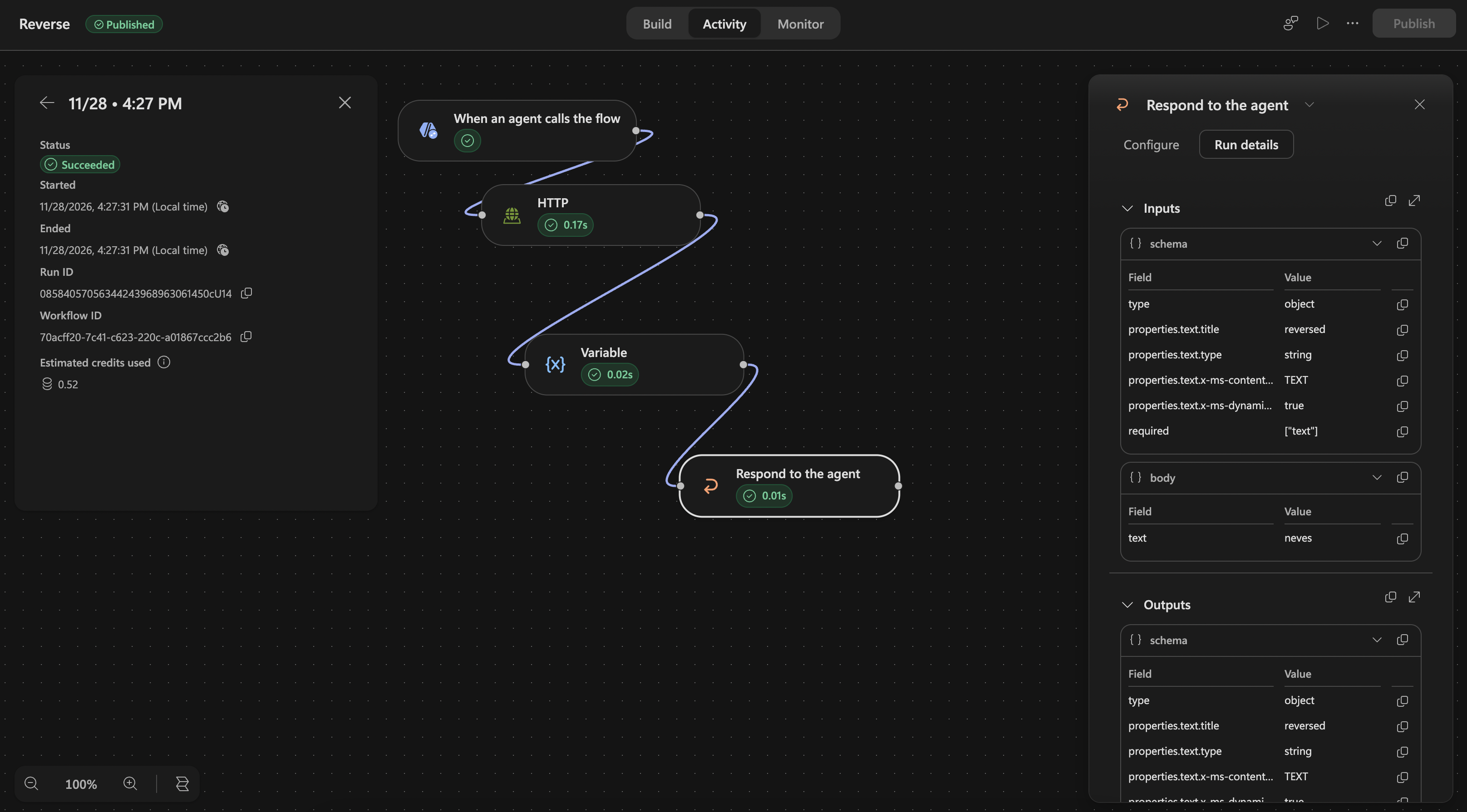
Open the Test your agent panel, trigger the topic, and enter one. The agent should reply with eno. Try a text with spaces, such as hello world, to confirm the URL encoding works. The expected reply is dlrow olleh.
Notes
- The API has no authentication, so no credentials or connection setup are needed. For a protected API, add the key as a header in the HTTP request node.
- If the call fails, check the Error handling option on the HTTP node and add a message for that branch. Do not substitute a made-up reply when the API fails.
- Vercel free-tier functions can take a moment on the first call after idle time.
Summary
A Copilot Studio topic needs one HTTP request node to use an existing FastAPI endpoint. Ask for input, URL-encode it into the query string, read the typed response, and send it back.