Run Lubuntu Desktop on Docker Using Webtop
Posted on Sun 19 April 2026 in Docker
TLDR;
GitHub Token
To pull container images from GitHub's registry, you need a Personal Access Token (PAT).
- Go to GitHub Token Settings
- Click Generate new token (classic)
- Give it a descriptive name and set an expiry
- Under scopes, check read:packages
- Click Generate token and copy it right away — you won't see it again
echo <ghp_token> | docker login ghcr.io -u rajacsp --password-stdin

docker pull linuxserver/webtop:ubuntu-lxqt

docker run -d \
  --name=lubuntu \
  -e PUID=1000 \
  -e PGID=1000 \
  -e TZ=America/Toronto \
  -p 3000:3000 \
  -p 3001:3001 \
  -v ~/webtop-config:/config \
  --shm-size="1gb" \
  --restart unless-stopped \
  linuxserver/webtop:ubuntu-lxqt

# Access desktop in browser → http://localhost:3000
# Or via HTTPS → https://localhost:3001
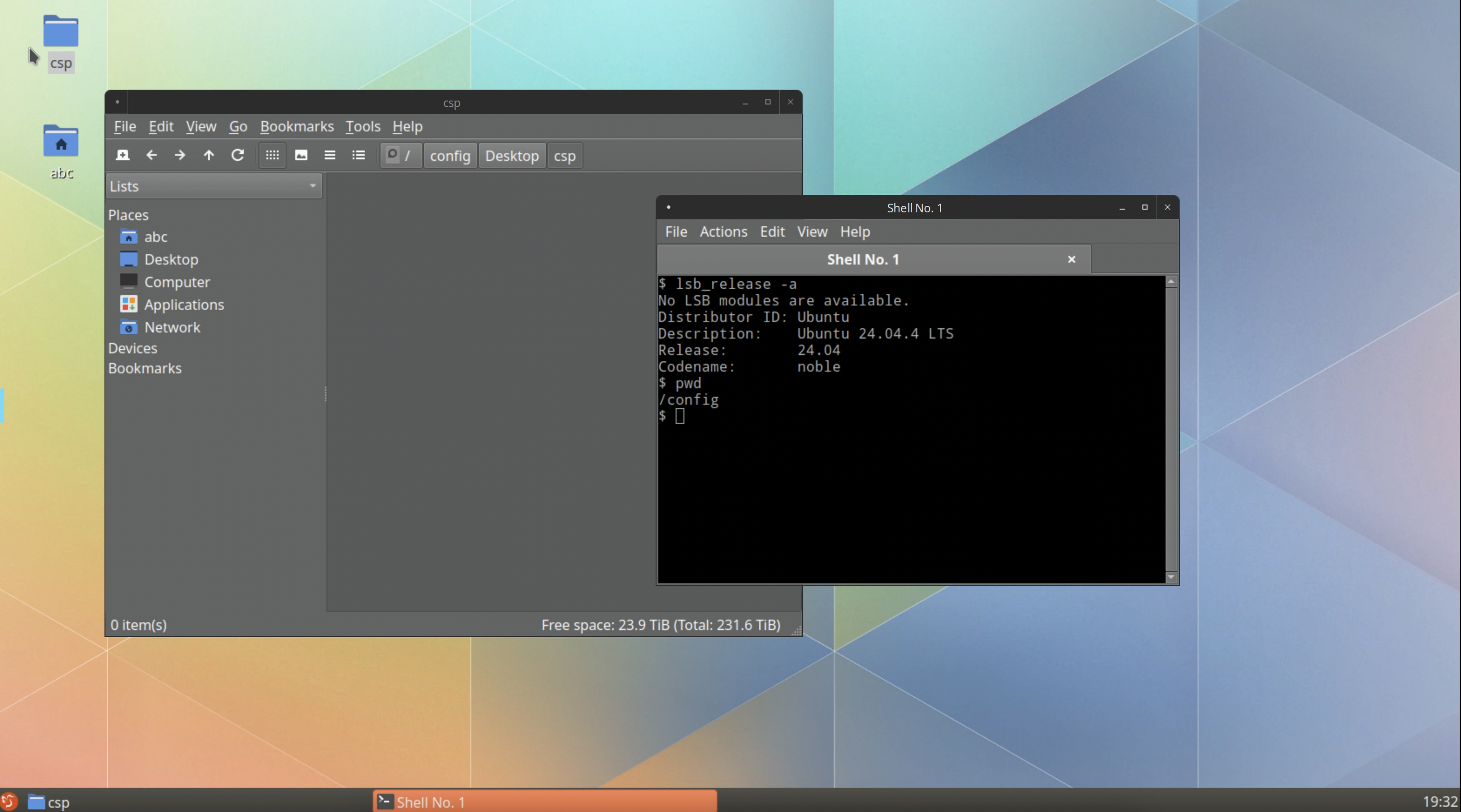
Screenshots